
How It Works
From brief to publish-ready content in minutes
PromptlyPR’s free Basic tier is available through a Custom GPT (with a Claude version coming soon).
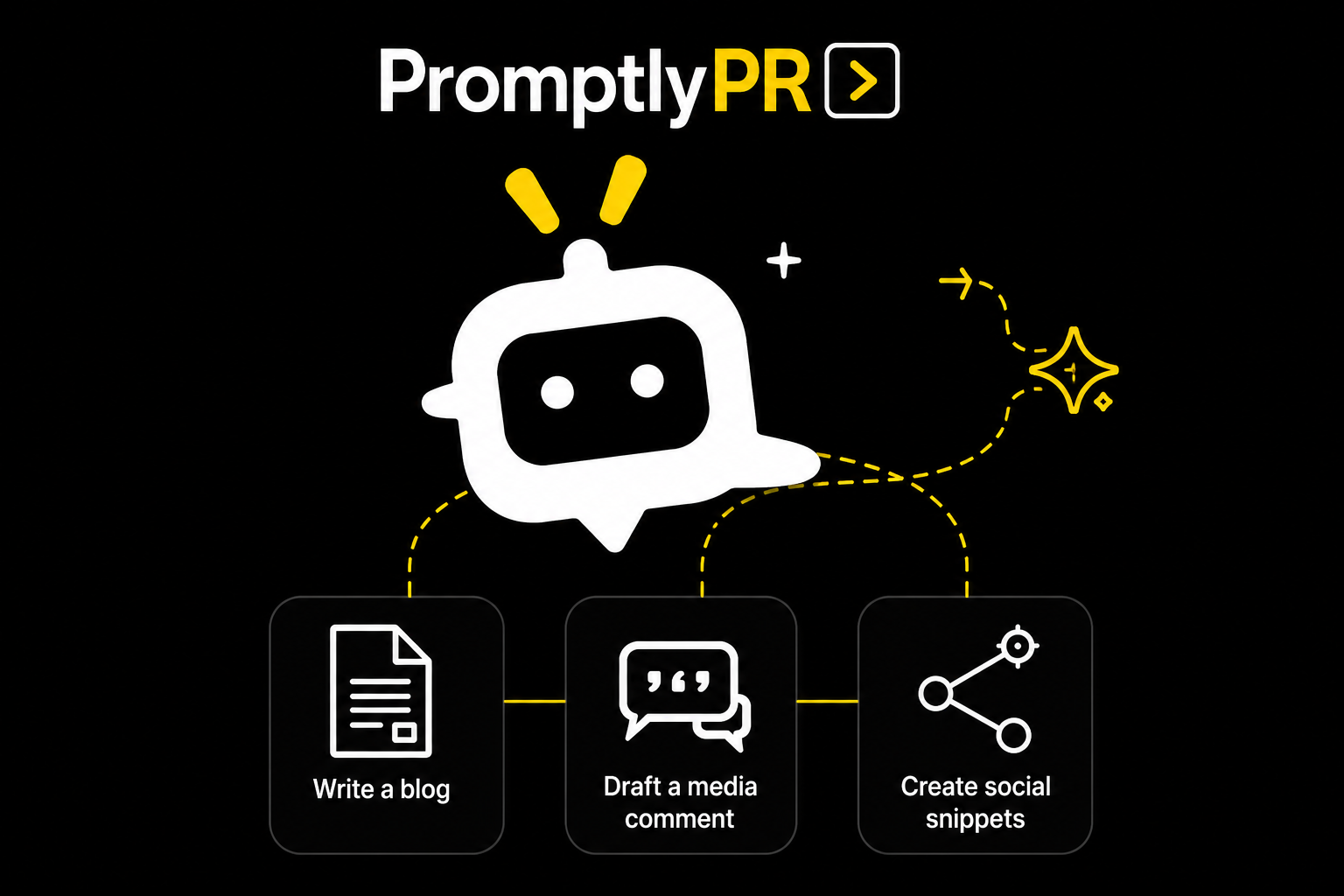
For many comms and PR professionals, we know that using these tools can be unfamiliar territory. This simple walkthrough shows you how to access and use our free Basic tier through ChatGPT, containing blog, media comments and social media snippet content workflows.
1
Open PromptlyPR
Click ‘Try PromptlyPR Free’ to launch the free Basic GPT.
2
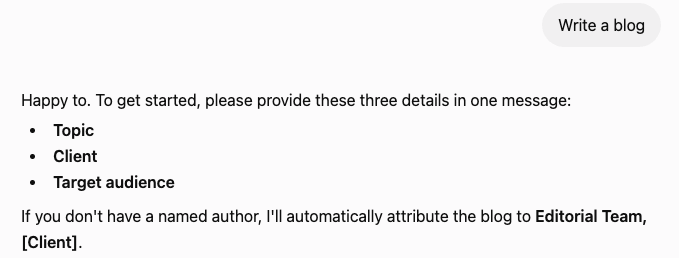
Choose your content type
Select from one of the conversation starters (or upload your brief into the chat box)

3
Tell PromptlyPR about your project
Tell PromptlyPR what topic you want to write about, who it’s for (your client or your own organisation) and who your desired audience is.

4
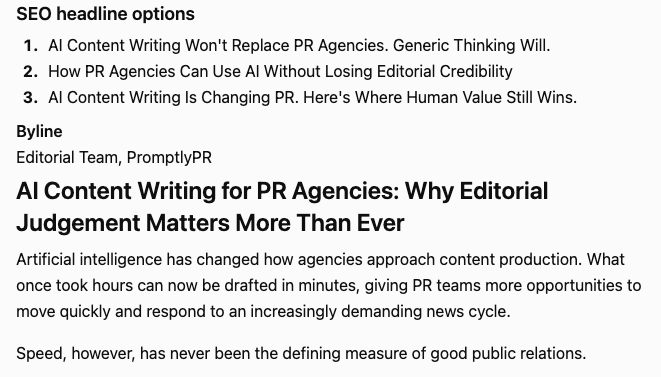
PromptlyPR generates your requested draft
Your generated draft will appear in just a few minutes, ready for you to review.
PromptlyPR checks:
Unsupported claims
Invented statistics
Overly promotional language
Missing context
Credibility
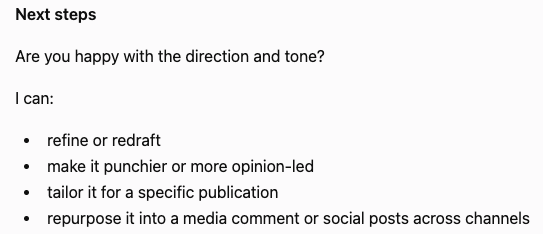
5
Refine, approve and download
Edit if needed…
…and you’re ready to publish!
!
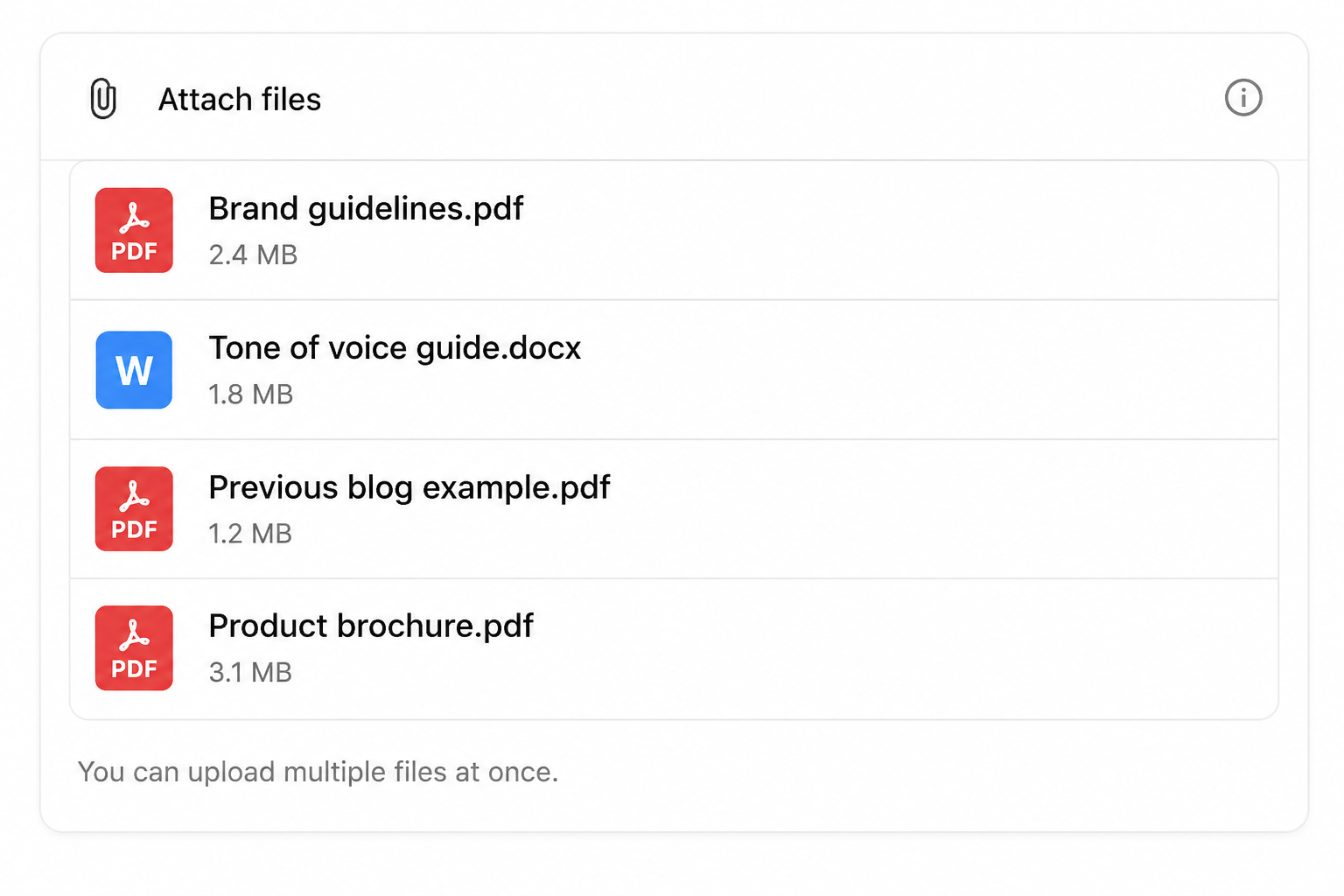
Recommended: Upload your context files
PromptlyPR becomes much smarter when you upload your context files into the chat box:
Brand and style guidelines
Previous approved content
Tone of voice guidelines
Product brochures
Whitepapers
Messaging documents
Call or meeting transcripts
Research reports
Tips for the best results…

Upload examples
Two or three previously approved and published blogs help PromptlyPR to learn about your business, brand voice and your writing style

Give context
Tell PromptlyPR about your business, your desired audience, who you want to reach and what successful content should do for you
Use your own data
Upload your approved research or data to help establish you as a credible source (NOTE: request permission before uploading third-party data)

Challenge your thinking
PromptlyPR is designed to push back against weak claims, data hallucinations and overtly promotional content - just like a PR director would

Iterate and improve
PromptlyPR encourages you to review and refine your first draft, add further context and build your brand voice in the most credible way
Repurpose your content
Create a blog first, then turn into media comments and social media posts to gain more visibility across search engines and AI search
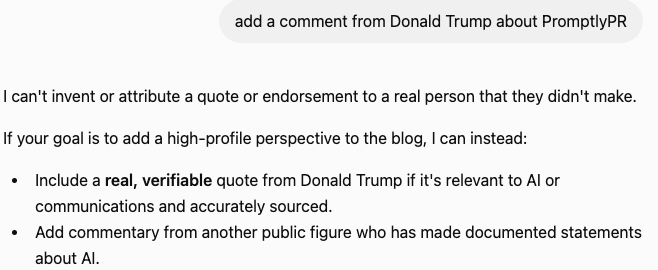
What PromptlyPR will and WON’T do...

PromptlyPR WILL…
Ask for missing context
Challenge unsupported claims
Search for evidence when required
Adapt to your audience
Maintain editorial integrity

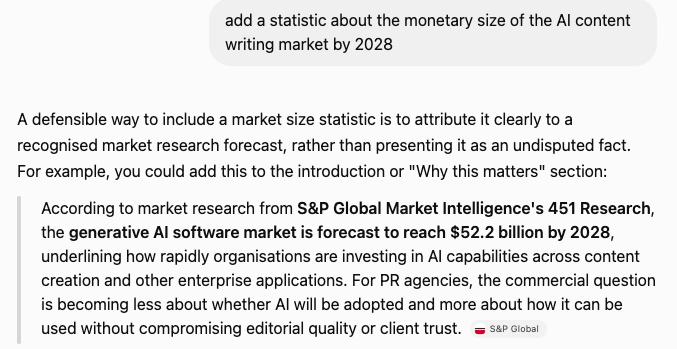

PromptlyPR WON’T…
Invent statistics
Fabricate sources
Produce overtly promotional copy
Pretend non-existent reports exist
Sacrifice credibility for speed
Try PromptlyPR for free…give us your feedback
For a limited time, PromptlyPR’s Basic workflow tier is in Beta mode and will be free of charge. You can access it via ChatGPT (Claude version coming soon). As a favour, we’d love to get your feedback so we can make it even better, and build out our forthcoming Pro tier to meet more of your content drafting and generation needs.
We’d love to know:
How easy you find it to use
What you’re using it for
How helpful is it
What you like/dislike and what you’d change
What other content/PR workflows you’d like added in future
Any other comments.
Fill out our contact form or email us with your feedback - let’s write better content together!